Plex guide Because the default settings are trash
Nederlandse versieThe APP is located at app.plex.tv, and not watch.plex.tv
This is probably what it looks like right now. Recommendations and media from Plex that we don't want because most of these can't be watched for free.
Lets change these settings so Plex is more tolerable to use.
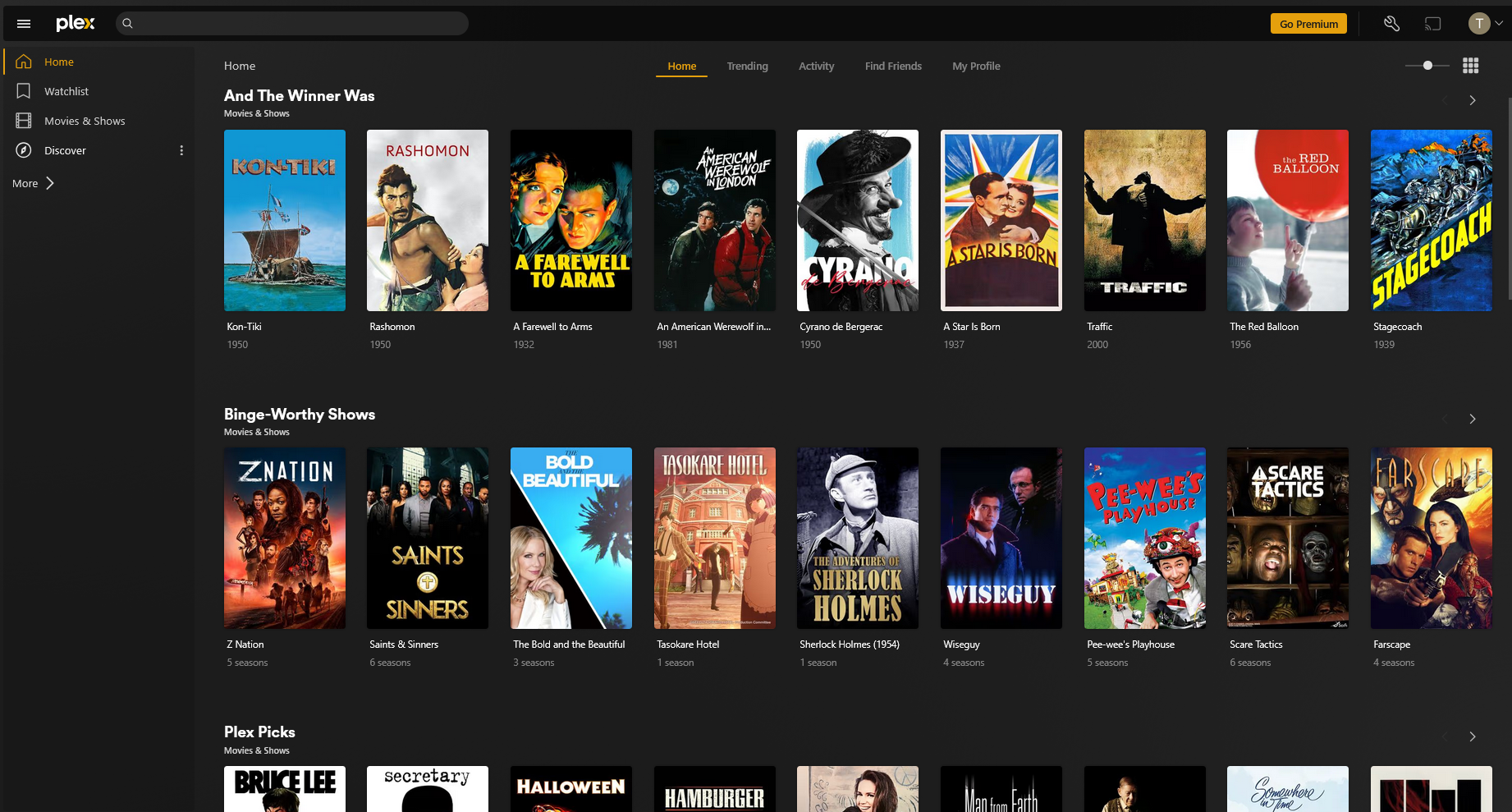
Fix the menu
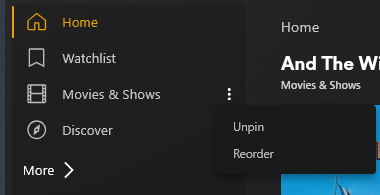
On the left side menu, click on the dots and unpin the Plex ads.
Unpinning Watchlist is optional, tho this doesn't always work with Anime.
Next, click on More >.
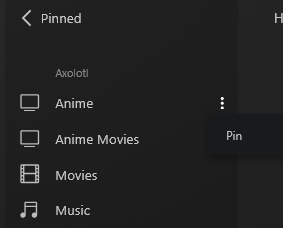
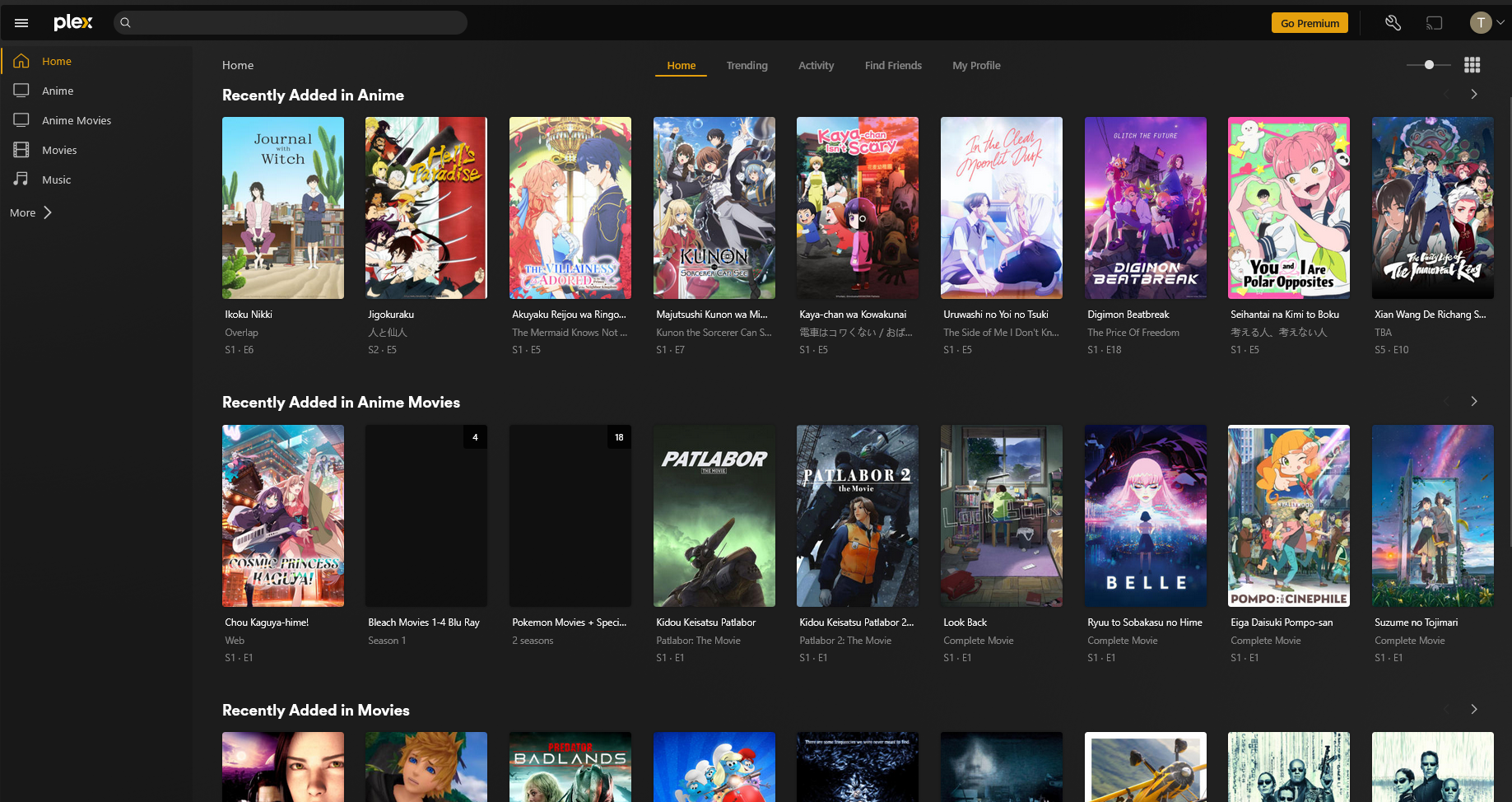
Pin every libary you want to see on your homepage.
Your homepage should look like this, way better than the unrelevant plex trash.
Optionally, you can also reorder the menu items.
Fix searching
At the top of the page, when you click on the search bar, a button pops up. Click on it and uncheck everything from Plex.
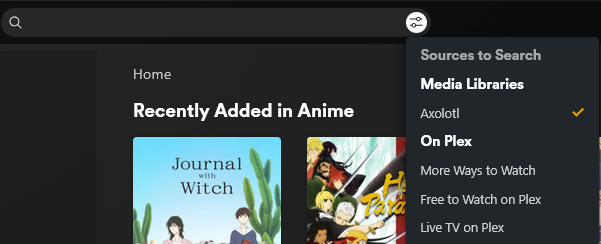
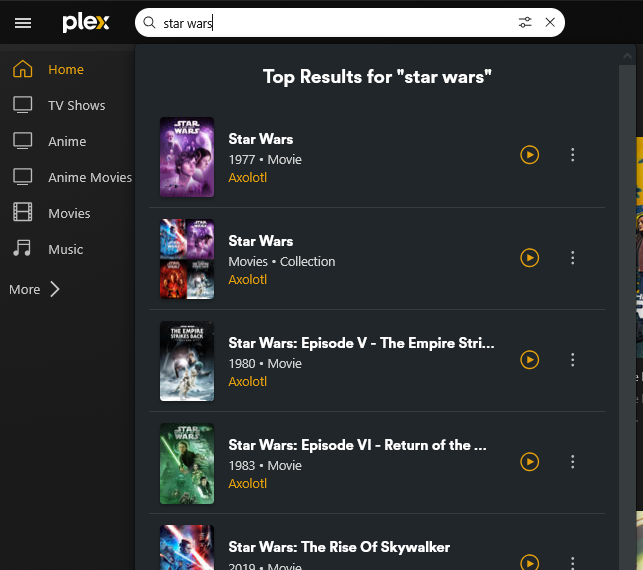
From now on you won't get any search results from Plex, but only from the checked libraries.
Extra settings
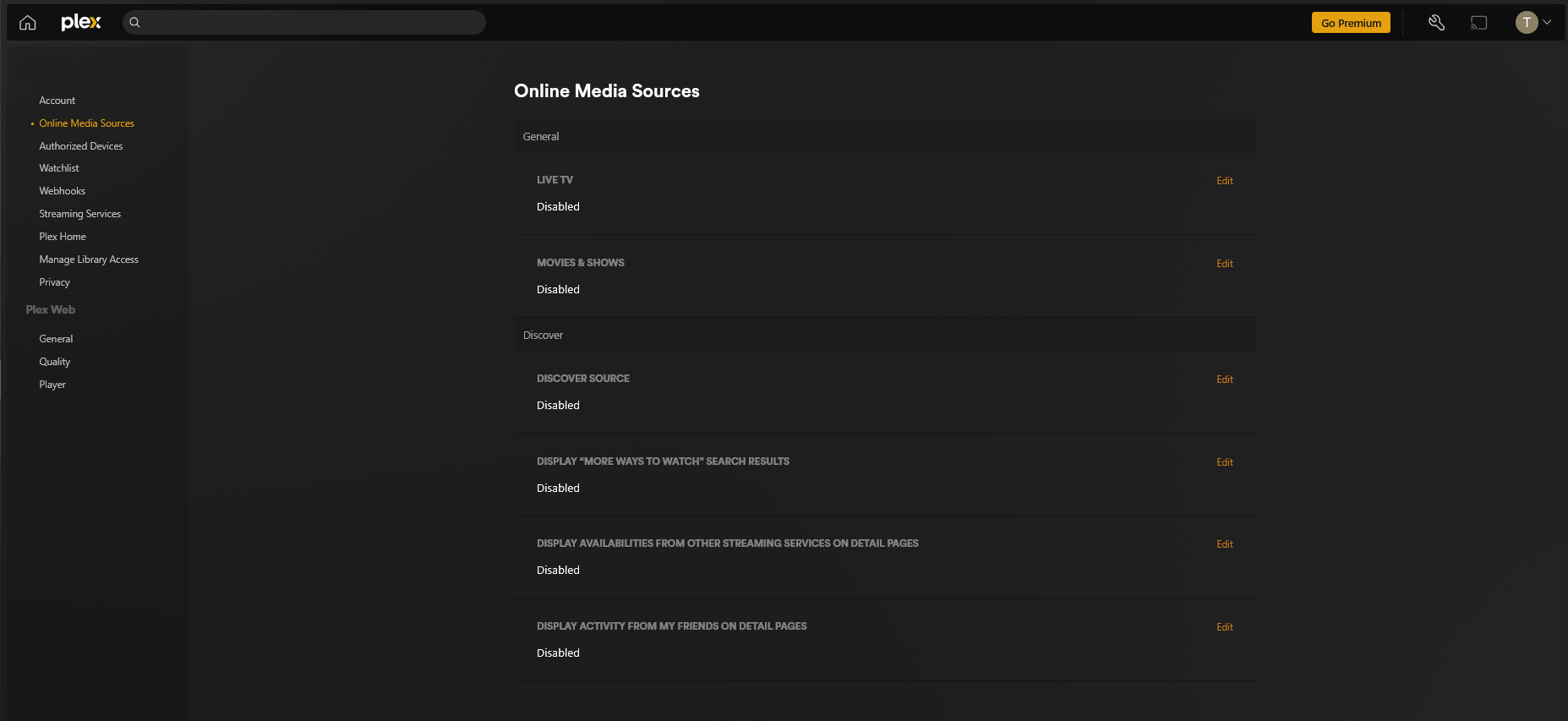
At the top right of the page click the little wrench icon, then click on Online Media Sources on the left.
Set everything on Disabled on this page.
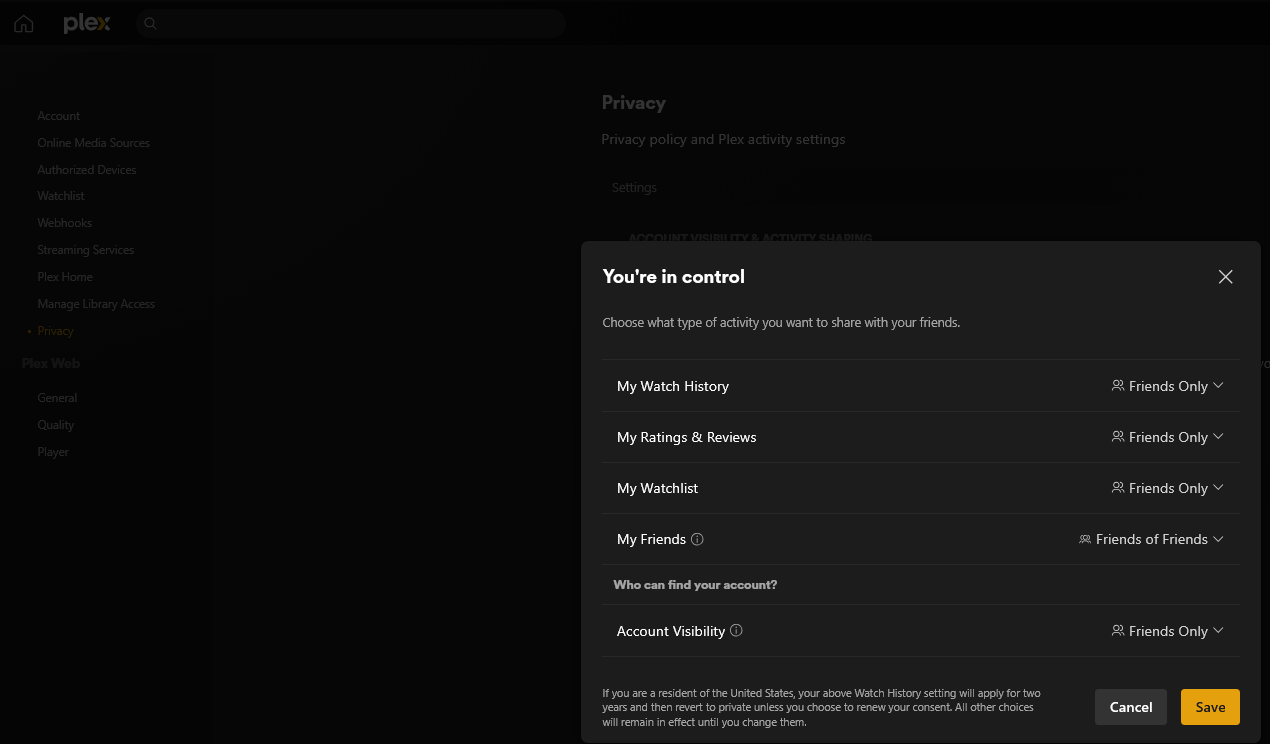
On the left go to Privacy and click on Account visiblity & activity sharing
Change this to your preferred settings.
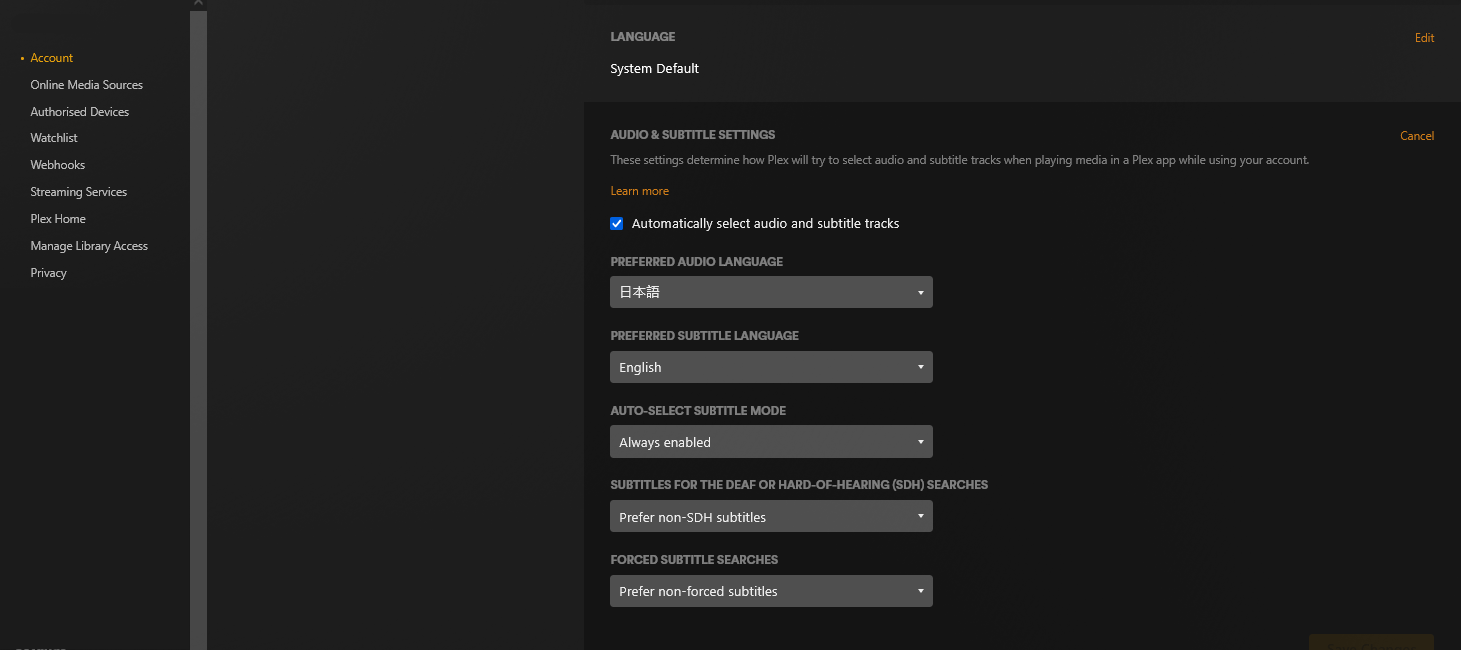
Lastly, you can change your preferred default audio and sub language.
On the left go to Account and scroll down a bit until you see Audio & subtitle settings.
Change these to you preferred settings.